TL;DR
The four-layer AI workflow gives you persistent memory (Obsidian vault), engineering intelligence (Claude Code or Codex reads the vault before every session), a build runtime (Replit executes tasks), and an audit trail (GitHub commits every change). Drop the starter prompt at the start of each session, let the AI read your vault, and stop explaining the same context from scratch every time you start a new chat.
In this article
If your AI has no memory, it keeps starting from zero. If your AI has no receipts, you cannot trust what changed. This is the workflow that fixes both.
TL;DR
Start with Obsidian and Codex (or Claude Code) — that is all you need right now. Zero repeated context, no re-introduction every session. Replit and GitHub come in when you are ready to build and ship code. Two tools today, four tools when you need them.
Why every new AI chat wastes your time
Every time you open a new chat window, you start from scratch. The AI does not know your project, your decisions, or what you tried last week. Even the most powerful AI agents and automation tools only know what you tell them in each session. Here is what that costs you:
- New chat = zero context. You explain your project from the top every single session.
- Long threads become impossible to follow as the conversation grows.
- Context windows fill up and earlier decisions silently drop out.
- You repeat the same background for every new session, every new tool.
- Token costs rise because you are re-sending the same information repeatedly.
- Mistakes from last week get repeated this week because the AI has no memory of them.
The four-layer AI workflow
Each tool does one job. Start with the first two — Obsidian and Codex give you persistent memory and engineering intelligence today. Replit and GitHub join when you are ready to build and ship: they add a live runtime and an audit trail. Same pattern behind every AI automation project that actually scales.

Obsidian
Memory layer
Your vault. Every decision, note, prompt, and lesson lives here — outside any chat window.
Codex (OpenAI)
Engineering & planning layer
Codex reads your vault before every session. No repeated context. It already knows your project. (Claude Code works the same way — same pattern, different model.)

Replit
Build layer — when you start building
When you are ready to build: code runs here. Replit agents execute tasks that Codex or Claude planned against your vault context.
GitHub
Review layer — when you start shipping
When you are ready to ship: every change is committed. GitHub is your audit trail — humans review before anything goes live.
Start with Obsidian + Codex. Add Replit + GitHub when you are ready to build.
Step-by-step: setting up Obsidian
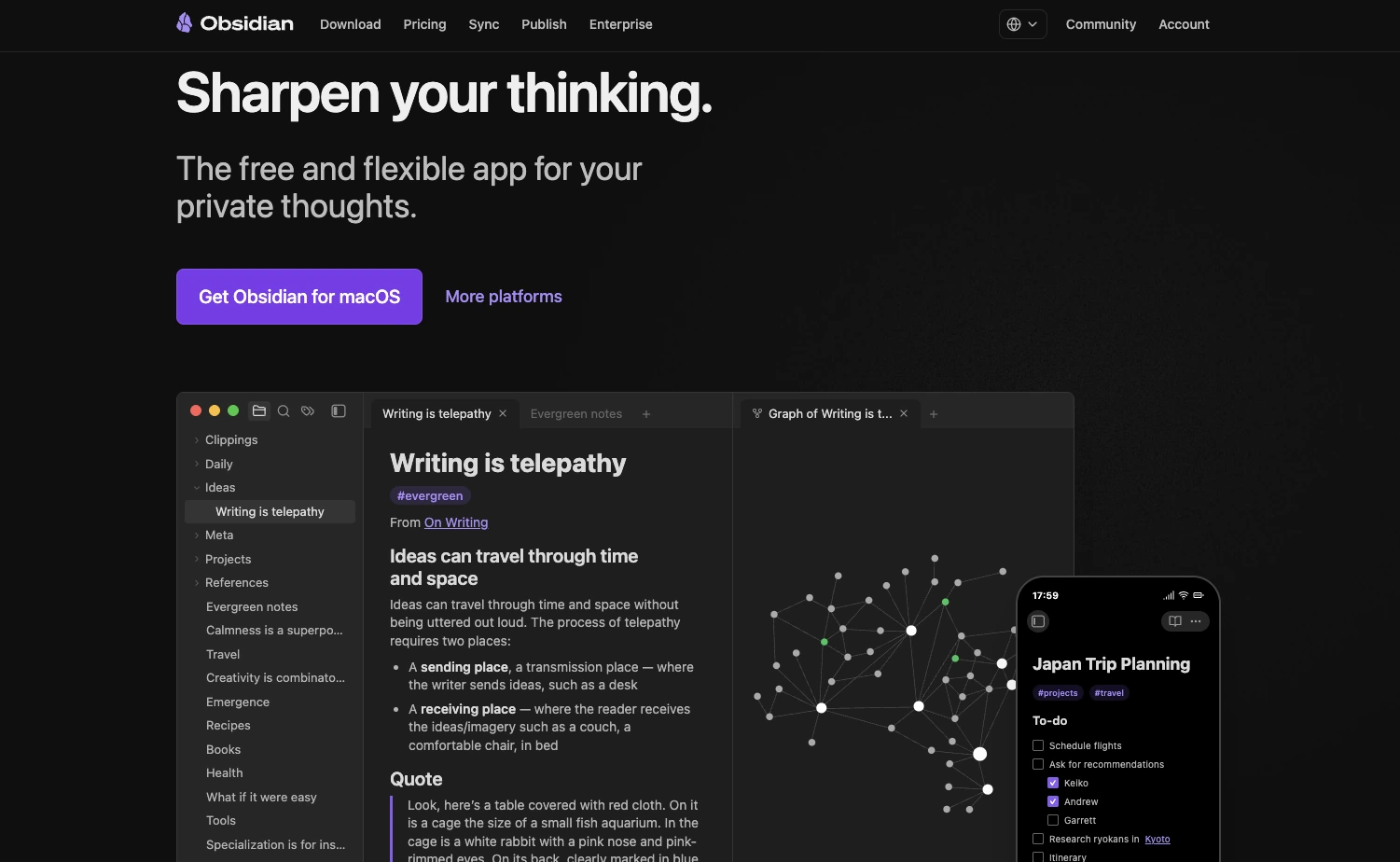
Obsidian: free, local-first, and available on every platform.
Download and install Obsidian (free)
Obsidian is free, local-first, and available for Mac, Windows, and Linux. Download Obsidian
Create a new vault
Open Obsidian → "Create new vault". Give it a name like "MySecondBrain" or "WorkVault".
Store it in a synced folder
Place the vault inside Google Drive, iCloud Drive, or Dropbox so it stays backed up. Avoid storing it only on a local disk.
Copy the vault path
Mac example: /Users/yourname/Google Drive/MyVault Windows example: C:\Users\yourname\Google Drive\MyVault
Paste the path into Codex or Claude Code
Open Codex at platform.openai.com/codex (or Claude Code). Use the prompt pack below and replace [PASTE YOUR OBSIDIAN VAULT PATH HERE] with your real path.
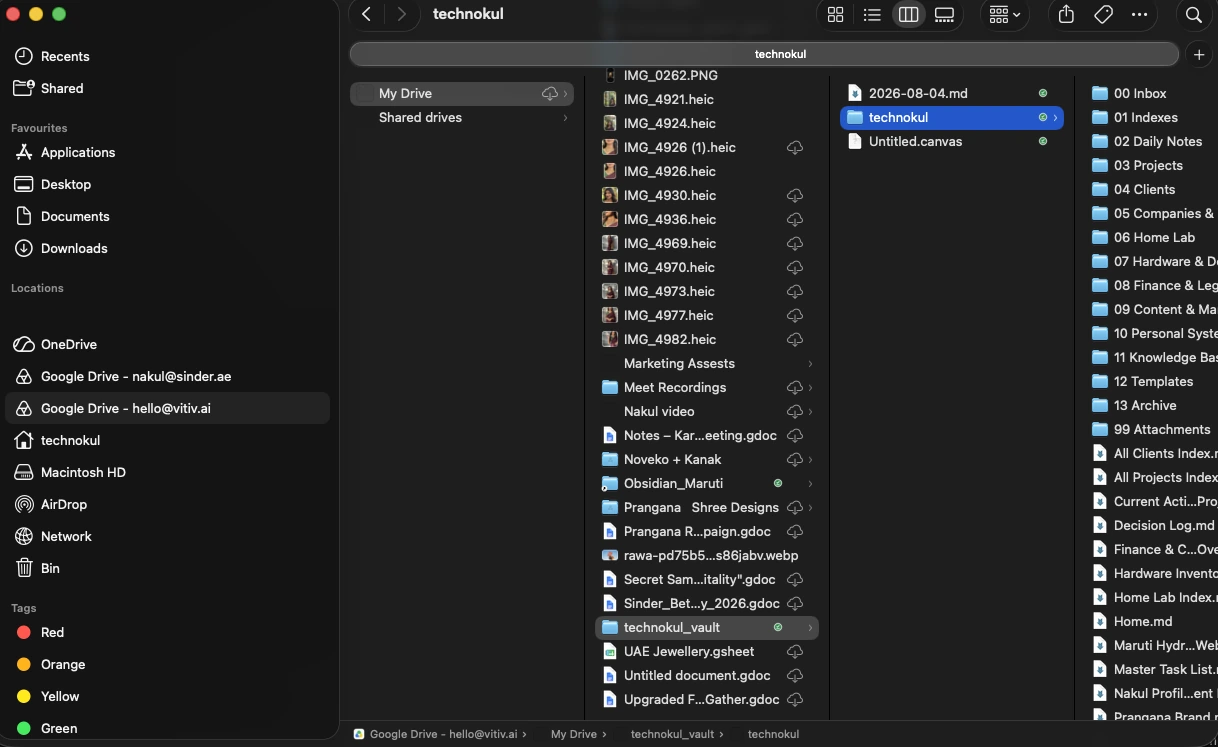
The vault folder lives inside Google Drive — always synced, never only on a local disk.
The AI Second Brain Prompt Pack
Do not use only one tiny starter prompt. Use this as a system: first set up the vault, then store information properly, then start every new AI session by reading the vault.
Create vault
Download Obsidian and create a new vault in a synced folder (Google Drive, iCloud, or Dropbox). Your AI cannot remember anything it cannot reach.
Run setup prompt
Paste Prompt 1 into Codex or Claude Code. It builds the folder structure and root notes — non-destructively, checking for existing files first.
Store information properly
At the end of any useful session, use Prompt 2 to save decisions, notes, and tasks back into the correct vault note.
Use the new-chat starter every session
Paste Prompt 3 at the start of every new Codex or Claude Code chat. The AI reads your vault before asking questions.
⚠Do not paste passwords, API keys, or tokens into your vault or this prompt.
⚠Do not paste passwords, API keys, or tokens into your vault or this prompt.
⚠Do not paste passwords, API keys, or tokens into your vault or this prompt.
⚠Do not paste passwords, API keys, or tokens into your vault or this prompt.
Need help setting this up for your team?
We set up Obsidian + Codex workflows for founders, consultants, and small teams. Talk to vitiv.ai on WhatsApp — no pitch, just a practical conversation about your setup.
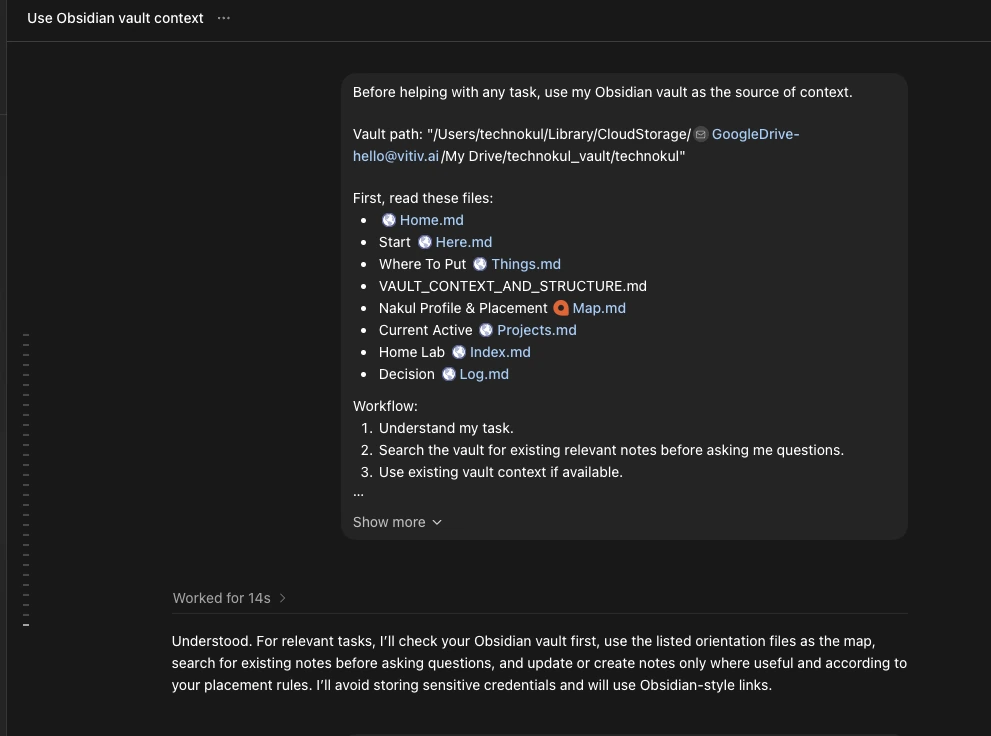
Codex (or Claude Code) reads vault orientation files before answering — vault context loads in seconds, zero repeated explanation.
See it in action — Nakul's live vitiv.ai vault
This 15-second clip zooms slowly into the Obsidian graph view of vitiv.ai's own second brain — 1,000+ interconnected notes on clients, projects, decisions, and AI workflows.
vitiv.ai Obsidian vault — second brain demo — click to play
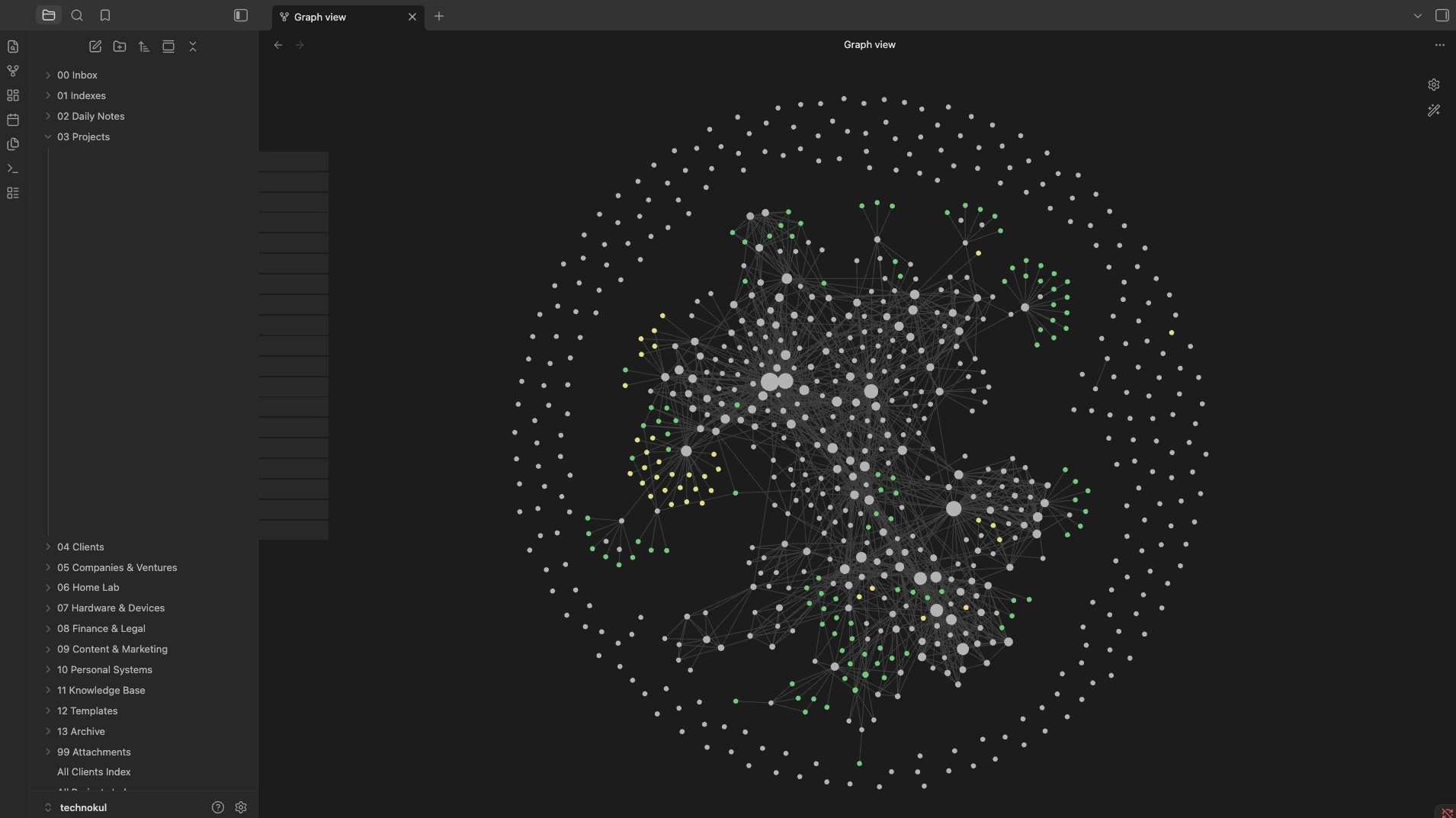
The vitiv.ai second brain: 1,000+ notes across 19 active projects, linked by concept rather than folder.
Download the tools
Obsidian — the vault (free)
obsidian.md — local-first, markdown, free on Mac, Windows, and Linux. The best AI-ready note-taking app for this workflow.
Codex (OpenAI) — primary AI planner
platform.openai.com/codex — reads your vault, plans work, writes code. Ideal for custom AI tools and project builds.
Claude Code — the alternative
claude.ai/download — same pattern as Codex, Anthropic model stack. Use whichever you prefer.
Replit — the build runtime (optional)
Add when you start building. replit.com — run, deploy, and iterate without leaving the browser.
GitHub — the audit trail (optional)
Add when you start shipping. desktop.github.com — every commit is a checkpoint. Humans review before anything goes live.
Want this workflow set up for your team?
Talk to vitiv.ai on WhatsApp
We set up Obsidian + Codex + Replit workflows for founders, consultants, and small teams. WhatsApp us to discuss your setup — no pitch, just a practical conversation.
Explore vitiv.ai services: AI automation · AI agents · Custom AI tools · AI-ready websites · Back to blog
Free strategy call
Thinking about your first AI deployment?
30 minutes. We sketch the architecture, cost, and timeline — at no charge.